
VS Code Extension · v0.1.0 · Free
See every file that
changed between
two branches.
A local pull-request view, right in your editor. Git Branch Diff lists every changed file between any two git refs and opens each one in VS Code's side-by-side diff.
› ext install firdaushatta.git-branch-diff
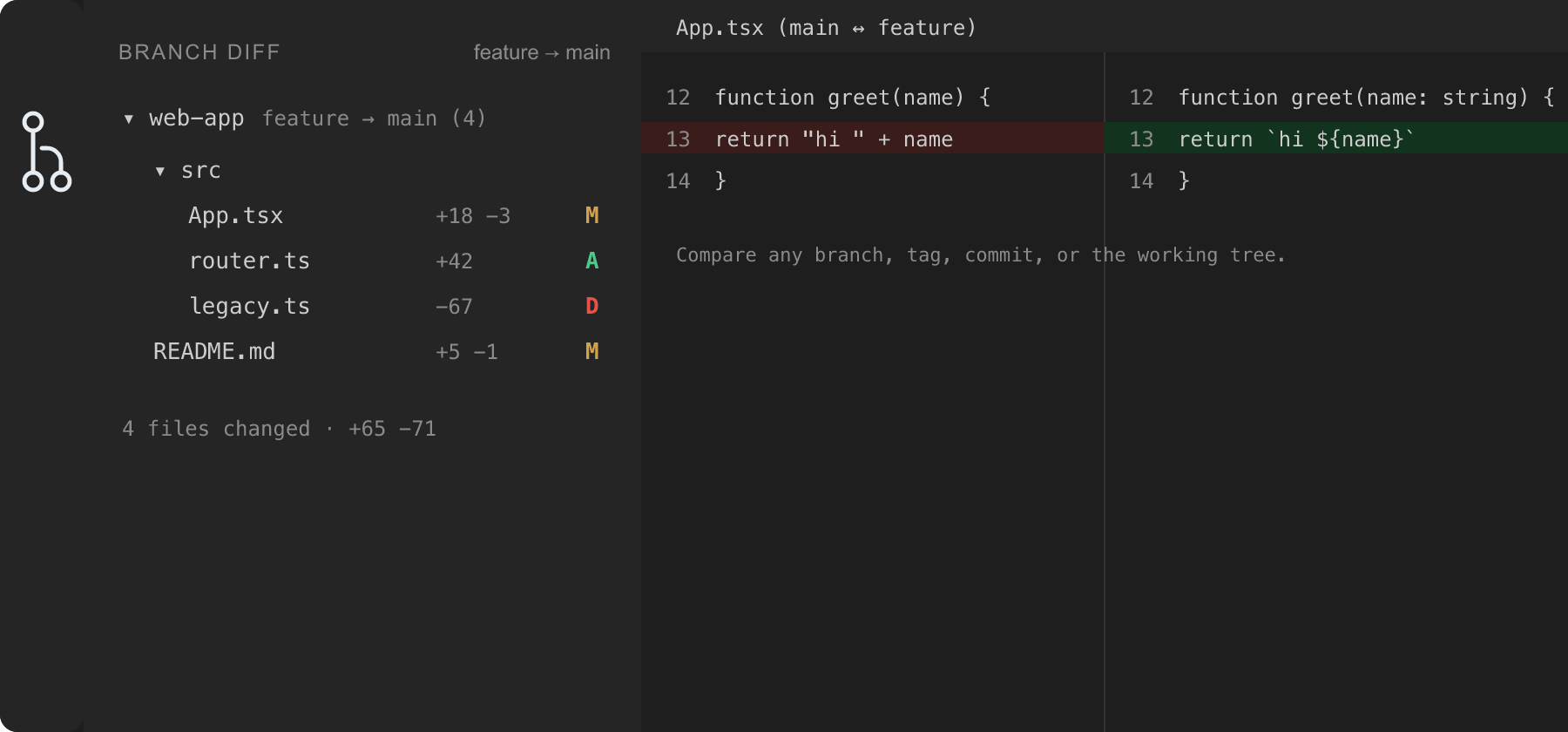
Built to read like a pull request
-
Changed Files sidebar
An Activity Bar view of every file that differs, with colored A / M / D status badges, per-file +/− counts, and a changed-file count.
-
Pick both sides
Compare any source against any target: a branch, remote branch, tag, an arbitrary commit or ref like
HEAD~3, or the live Working Tree. -
Swap in one click
Flip source ↔ target instantly from the view title, and jump straight into VS Code's native side-by-side diff editor for any file.
-
Merge-base by default
See only the changes introduced on your source — the same set a GitHub PR shows. Toggle it off for a direct 2-dot comparison against the target tip.
-
Multi-repository
Every git repo in the workspace gets its own header and an independent source/target, discovered through VS Code's built-in Git extension.
-
Diff line actions
Right-click inside a diff to open the editable file at that line, copy a
path:linereference, or copy the line's text. Folder-tree grouping and remembered selections come standard.
From branch to diff in seconds
-
Open a git repository
Then click the Git Branch Diff icon in the Activity Bar to reveal the Changed Files view.
-
Select a target
Pick a branch, tag, remote, or enter any ref. Optionally set a different source — including the Working Tree.
-
Browse the changed files
Every differing file appears with its status and line counts, grouped in a compact folder tree.
-
Click to open the diff
Read the change in VS Code's side-by-side editor. When the source is the Working Tree, edit the live file directly.
git on your PATH